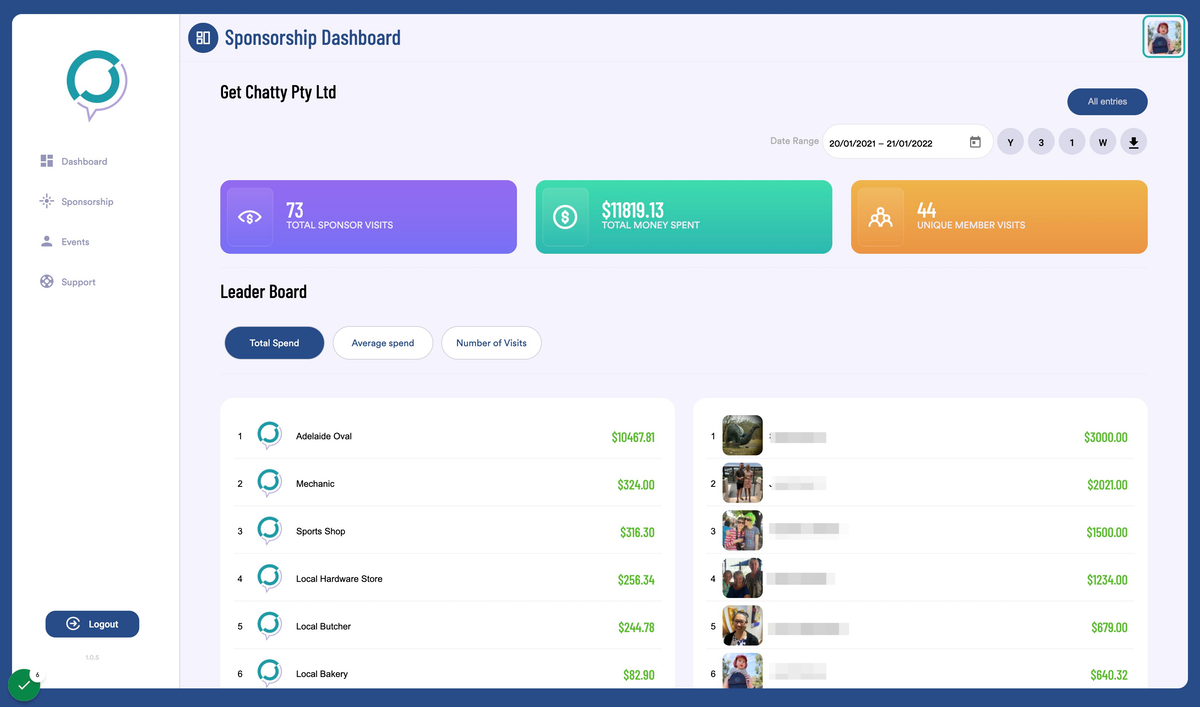
1. Go to your Dashboard
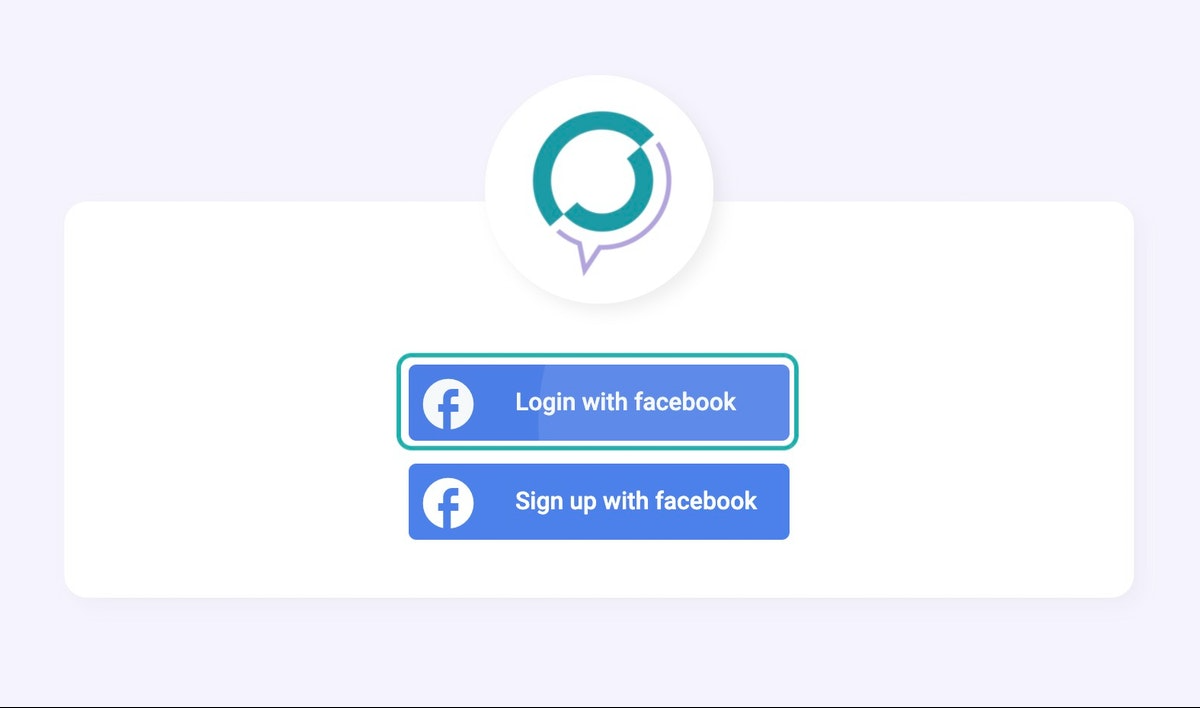
2. Click on Login with facebook
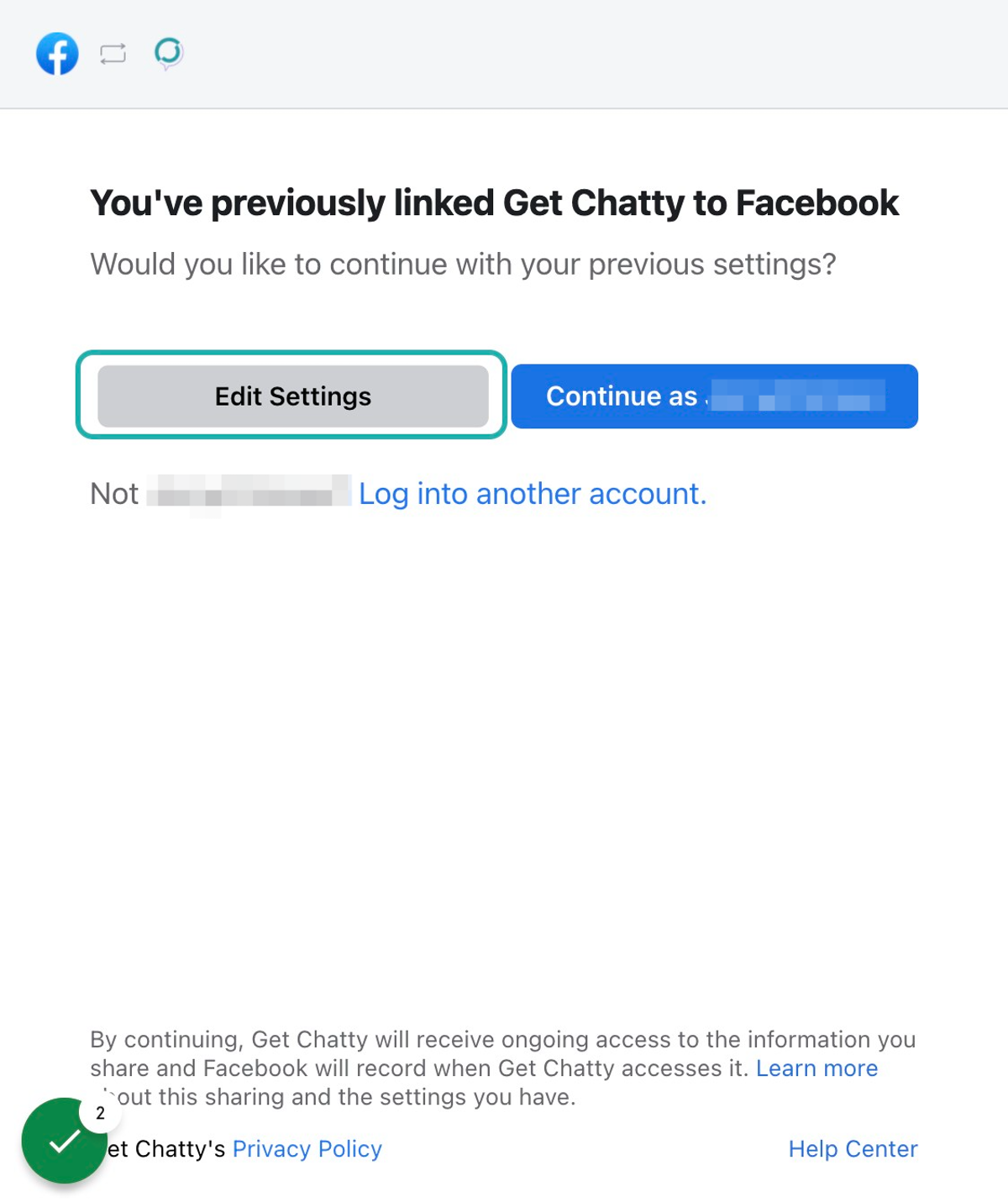
3. Click on Edit Settings
Please note: this step will only show if you manage more than 1 Facebook page.
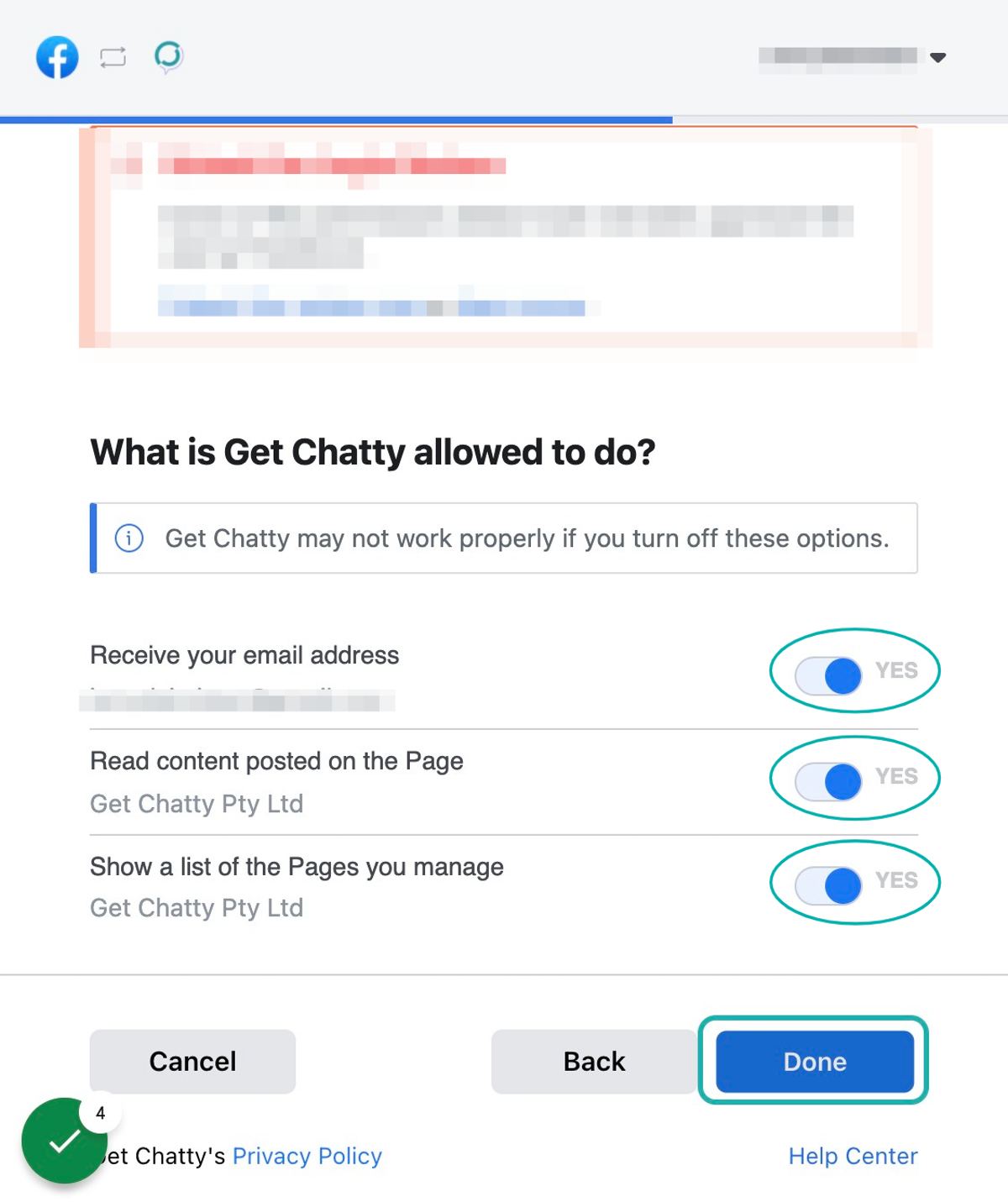
4. Allow access to all sections, Click on Done
5. Click on OK
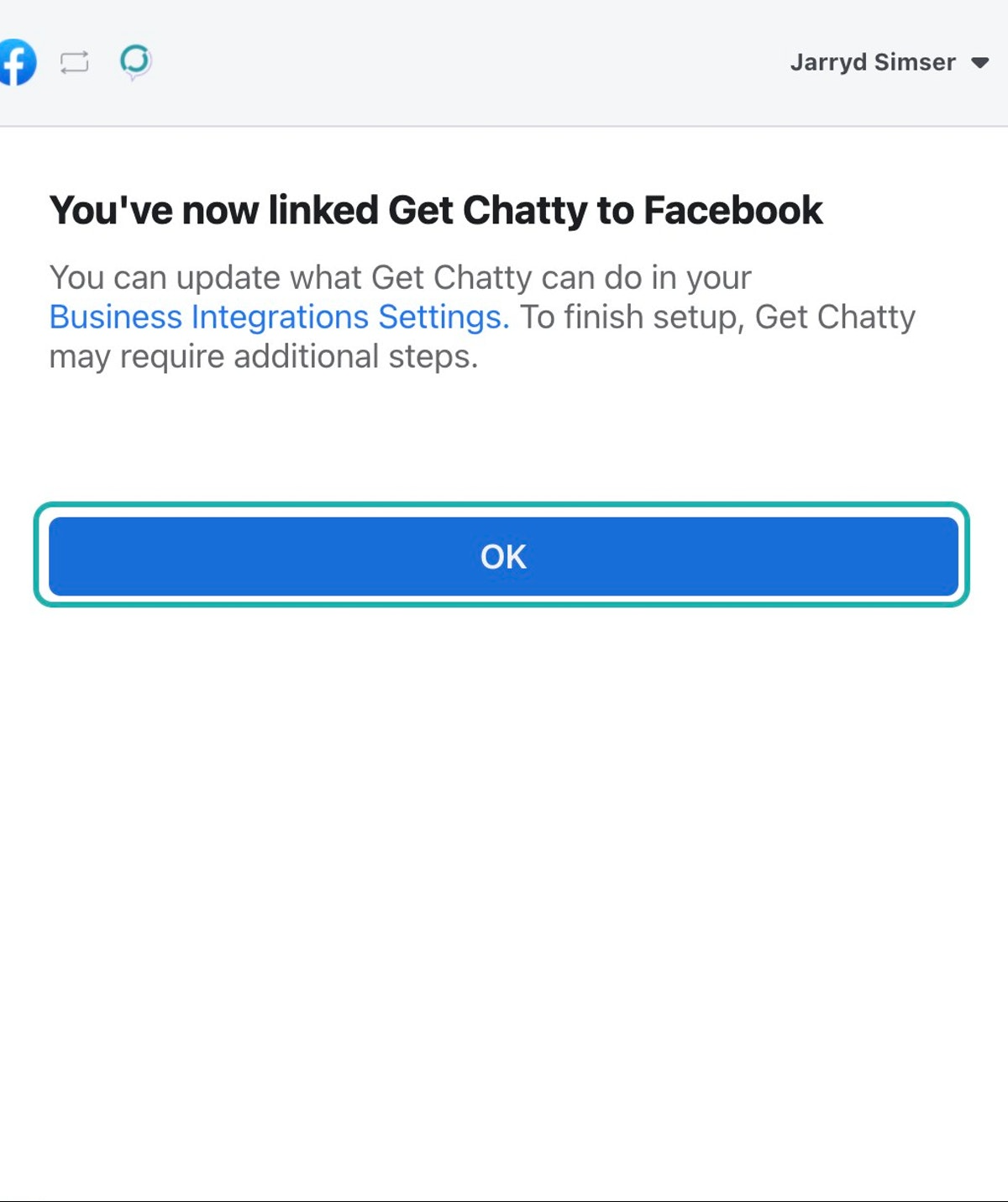
6. Login Complete
Was this article helpful?
That’s Great!
Thank you for your feedback
Sorry! We couldn't be helpful
Thank you for your feedback
Feedback sent
We appreciate your effort and will try to fix the article