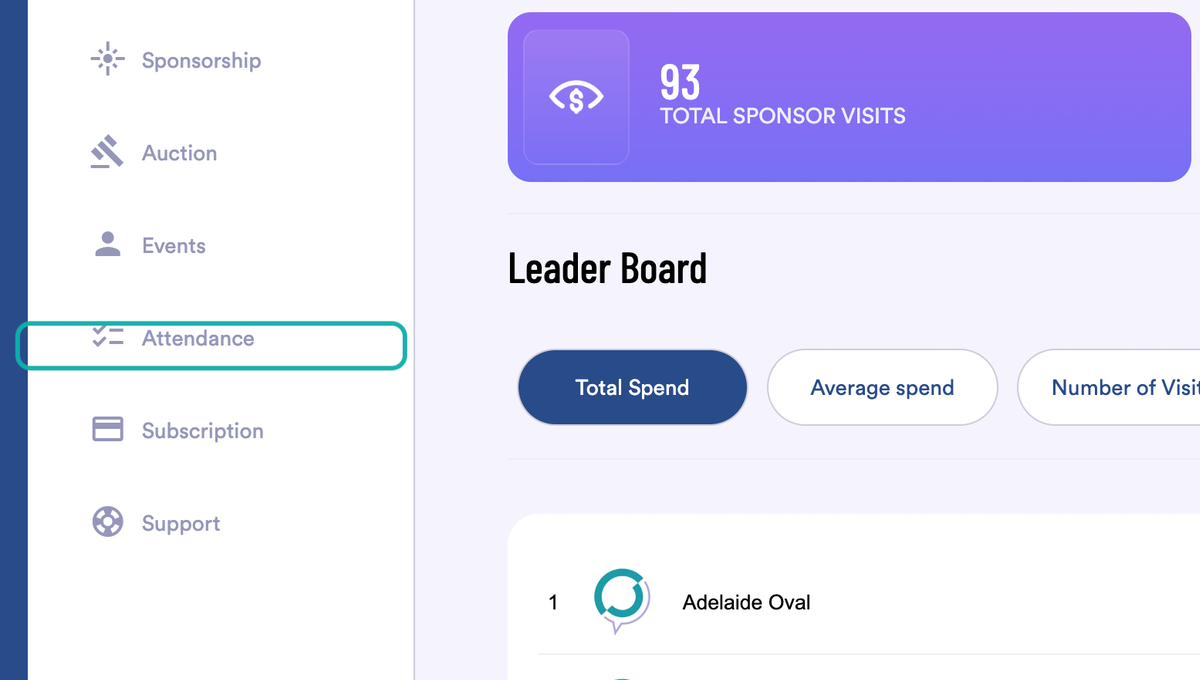
1. From the Dashboard Click Attendance on the menu.
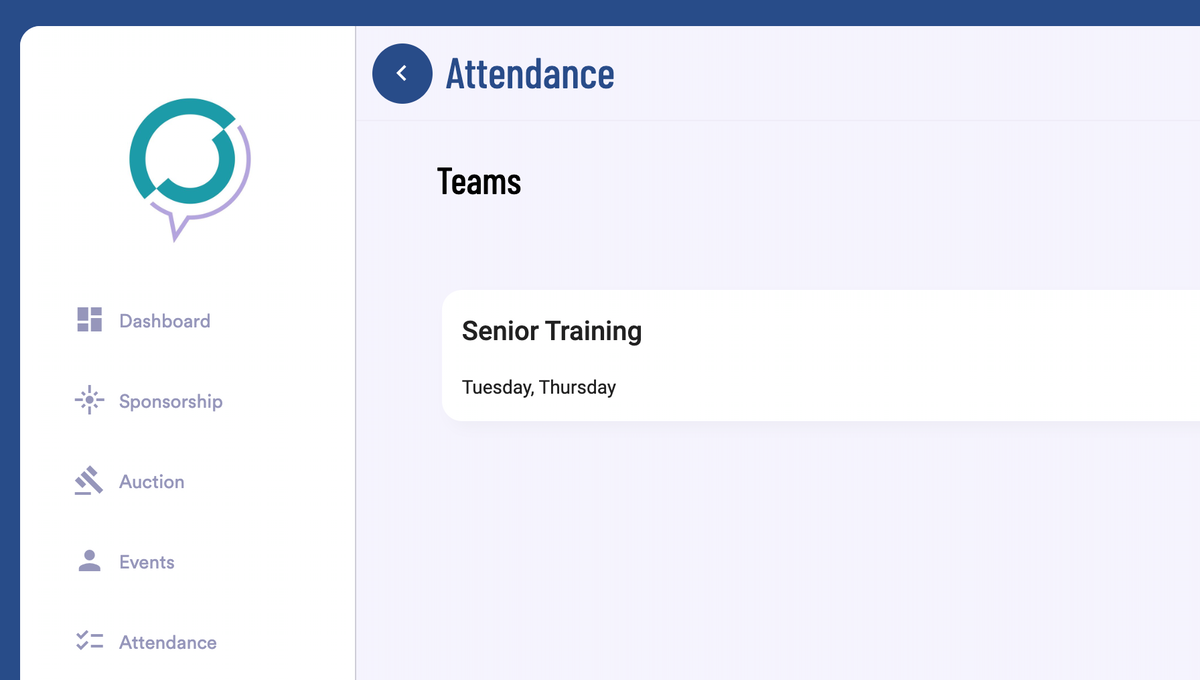
2. You are taken to the Attendance Home Page
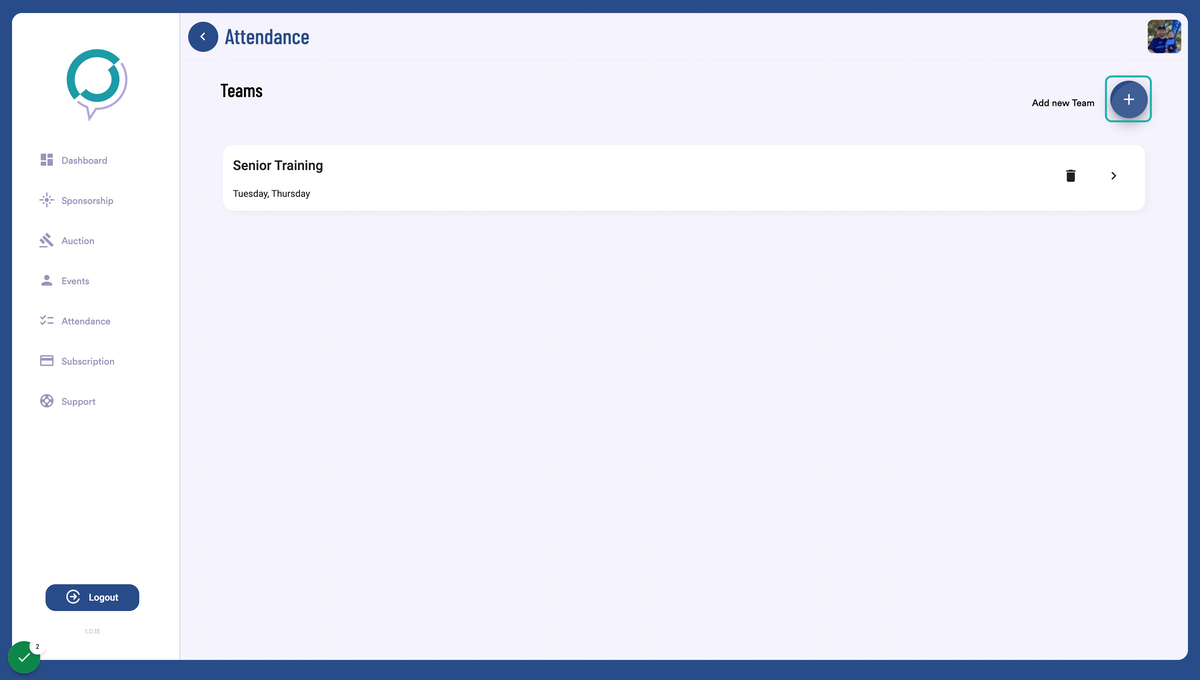
3. Click on + to add a new team or attendance log
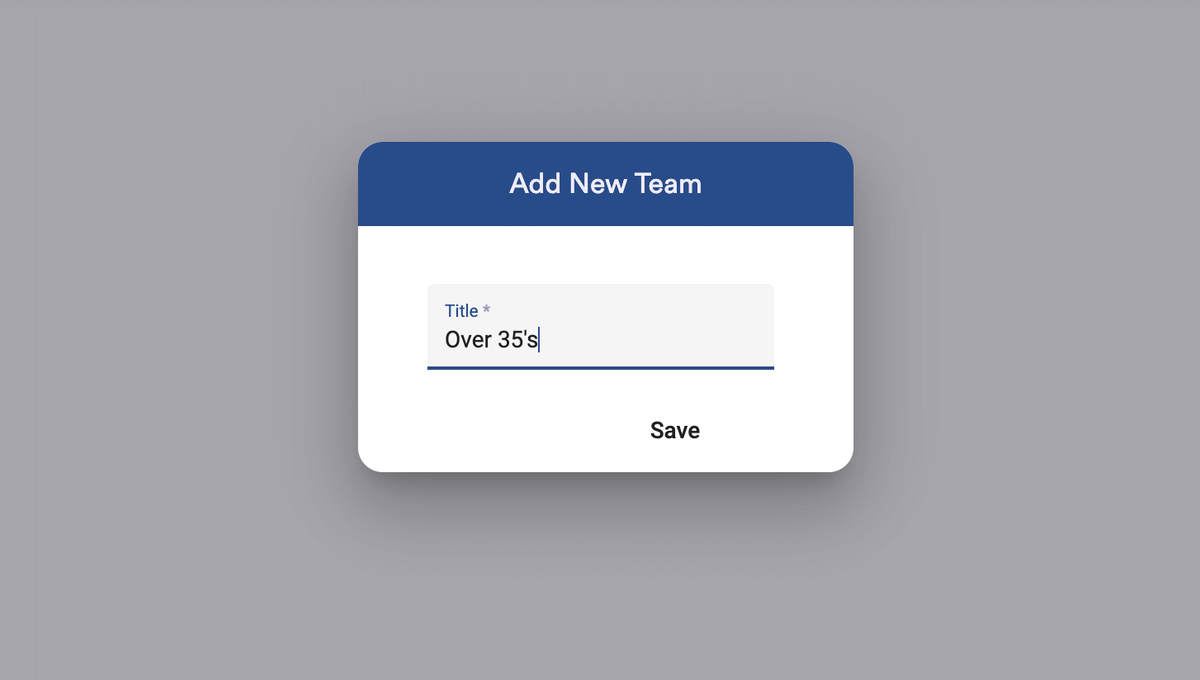
4. Enter the name for the Attendance & click Save
Note: This name will be used on the printable sign in document.
5. Select the newly created Attendance Group
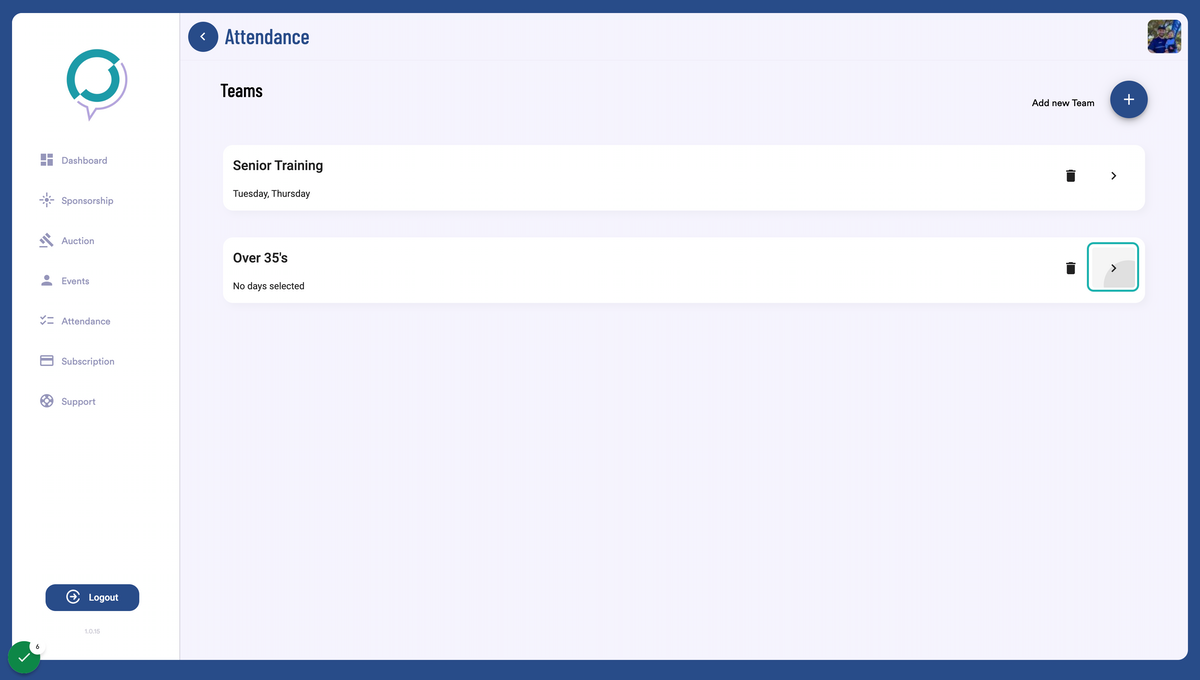
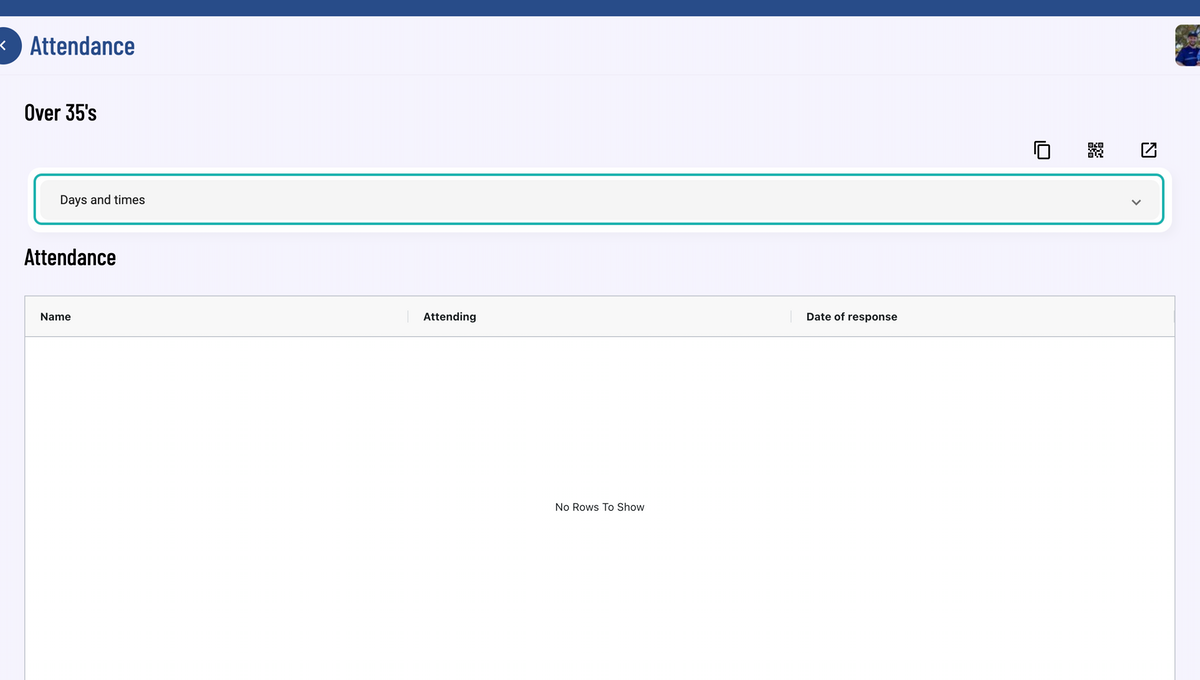
6. Optional: Click to expand on Days and times
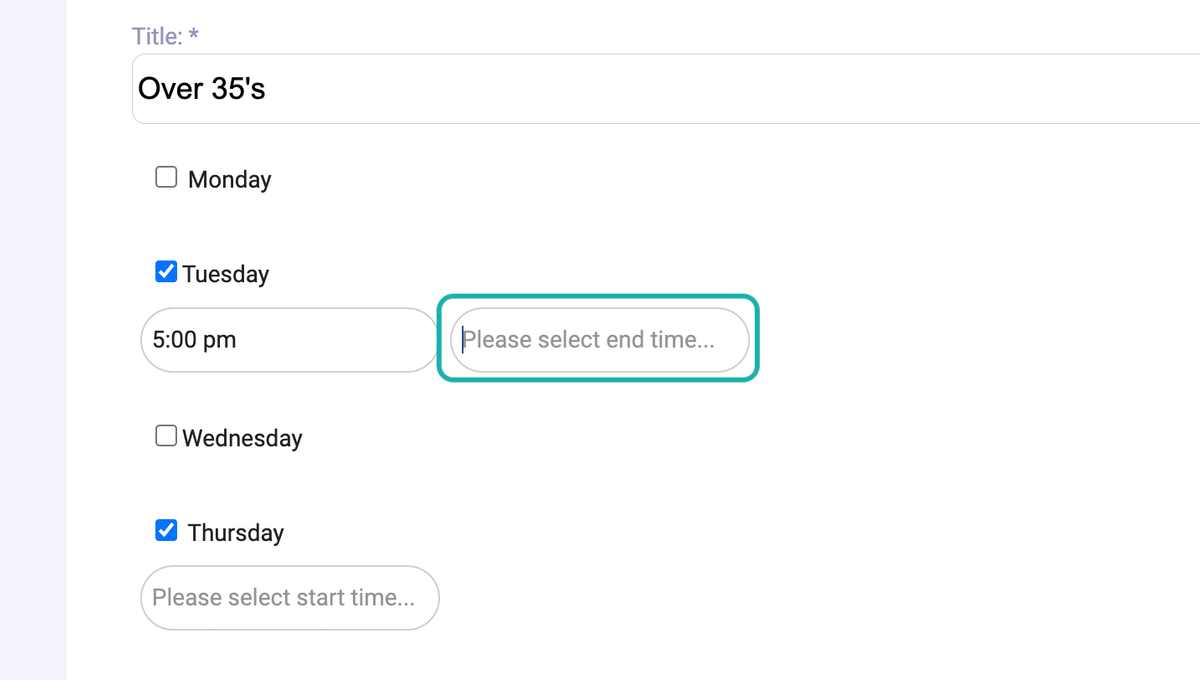
7. Optional: Select the relevant days & times for the group before adding the times.
Note: these dates are not currently in use but will be in future updates
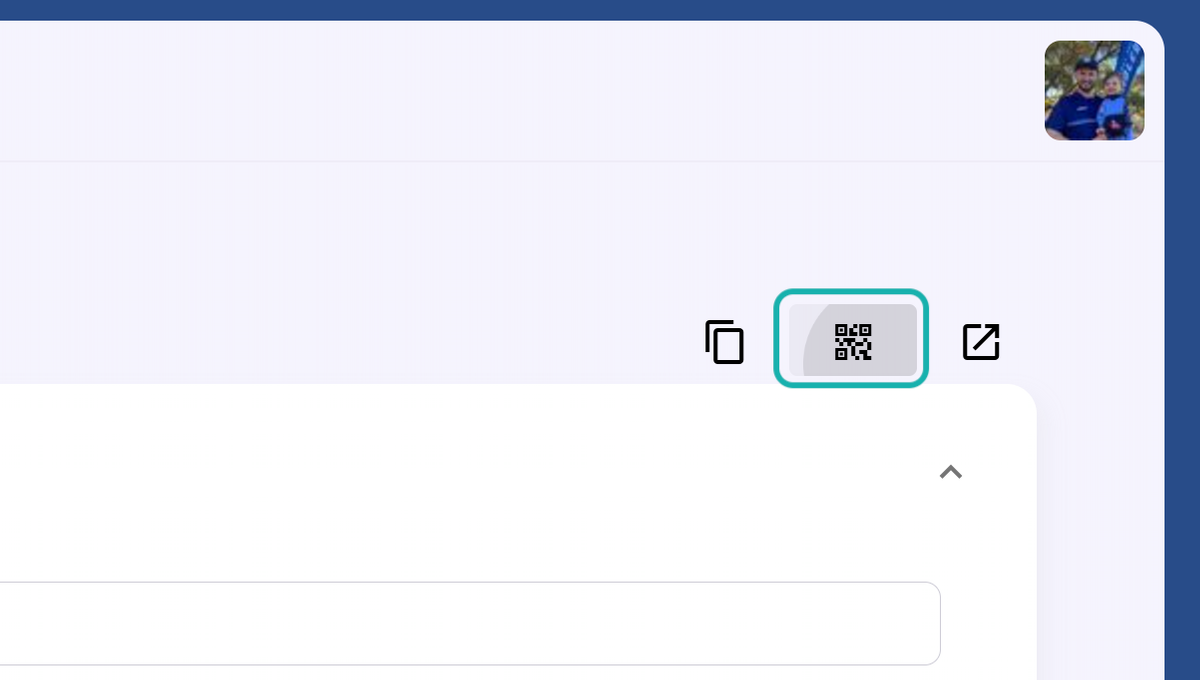
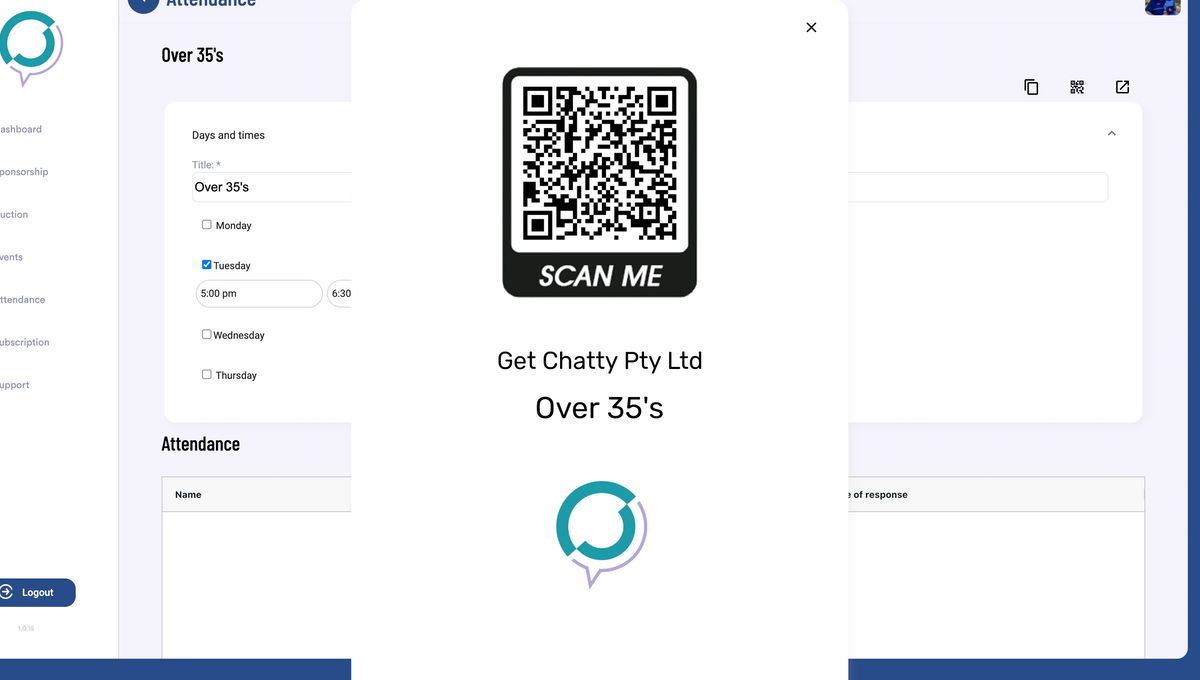
8. Click on the QR Code Icon to view & download your Sign In Sheet.
Sign in sheet uses your Organisation Name, Attendance Group Name & Facebook Account Logo
9. Right click to Save & Print as required.
Was this article helpful?
That’s Great!
Thank you for your feedback
Sorry! We couldn't be helpful
Thank you for your feedback
Feedback sent
We appreciate your effort and will try to fix the article